Search the Community
Showing results for tags 'macbook'.
Found 2 results
-
 On an iMac, where the FLIRC is plugged directly into a USB receptacle, I was able to program my FLIRC. However, on a Mac Mini (also plugged directly into the computer) and on my Mac Book Pro, using a USB-C to USB-A dongle, the FLIRC does not learn. I never get a "success" message. I looked at IR debugging in the log, and no IR commands are received. I'm trying to learn from a FireTV remote. I have Gen 2 and the latest firmware and GUI. Any ideas?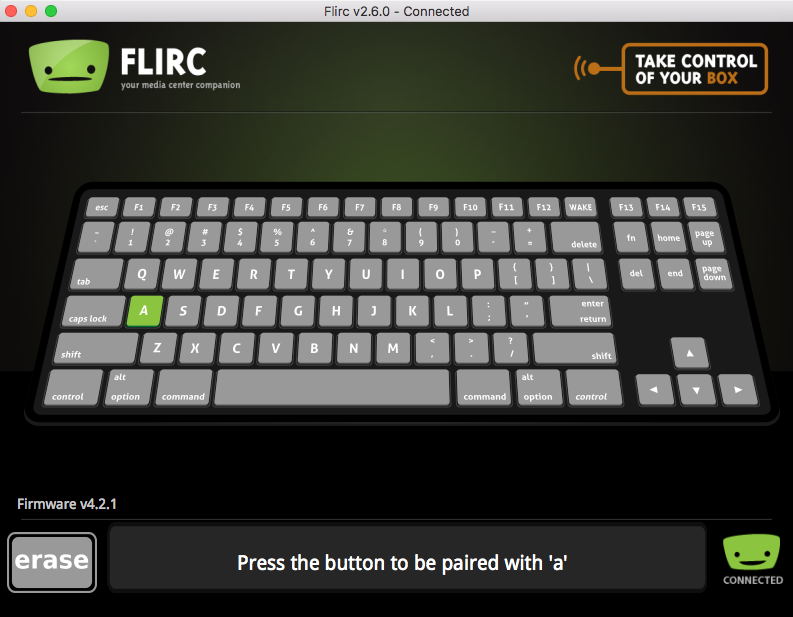
-
Hi. I just received the flirc. I installed the GUI, and updated the firmware. However, when trying to pair the device the GUI is waiting for a key press from the remote, I press a key but flirc doesn't seem to be receiving the signal. I have the new Mac Remote..Any ideas? Thanks. P.S. I've tried the remote on an older macbook with IR and it worked fine.
